Three Ways to Use Exhibitor Pages
Save exhibitors to your Favorites, get in touch before the show, and review product information in one place.
Here are three things you can do on an exhibitor page.
-
View Details
Build your own list of favorite exhibitors
Save the exhibitors that interest you to your Favorites. Manage them as a single list on My Page to plan your visit efficiently.
-
View Details
Get in touch with exhibitors before the show
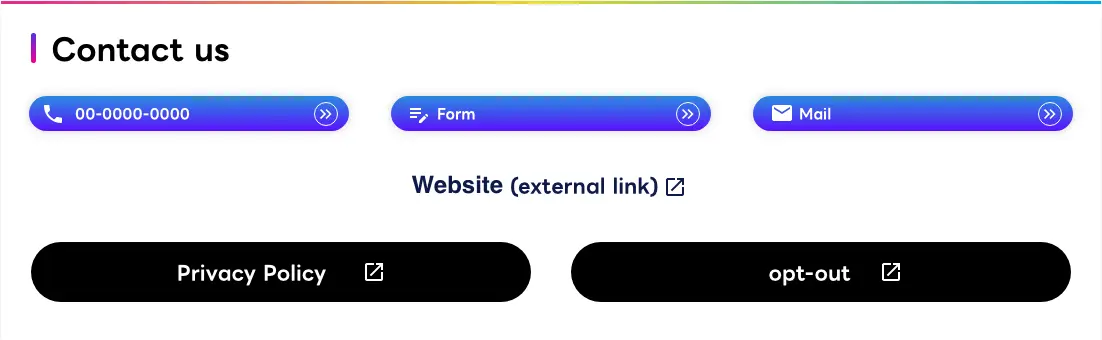
Meeting reservations and inquiry forms let you communicate directly with exhibitors before you arrive.
-
View Details
Review products, videos, and documents together
Exhibited products, presentation and demo videos, downloadable documents. Every detail is on the exhibitor page.
How to Use 01
Build your own list of favorite exhibitors before you head to Makuhari Messe
We recommend gathering information ahead of the show so you can make the most of your time there. Save the exhibitors you are interested in to your Favorites, and your personal exhibitor list is ready on My Page. Booth visits and information gathering on the day will go far more smoothly.
FAVORITE
How to Use Favorites
Add to your list in one click
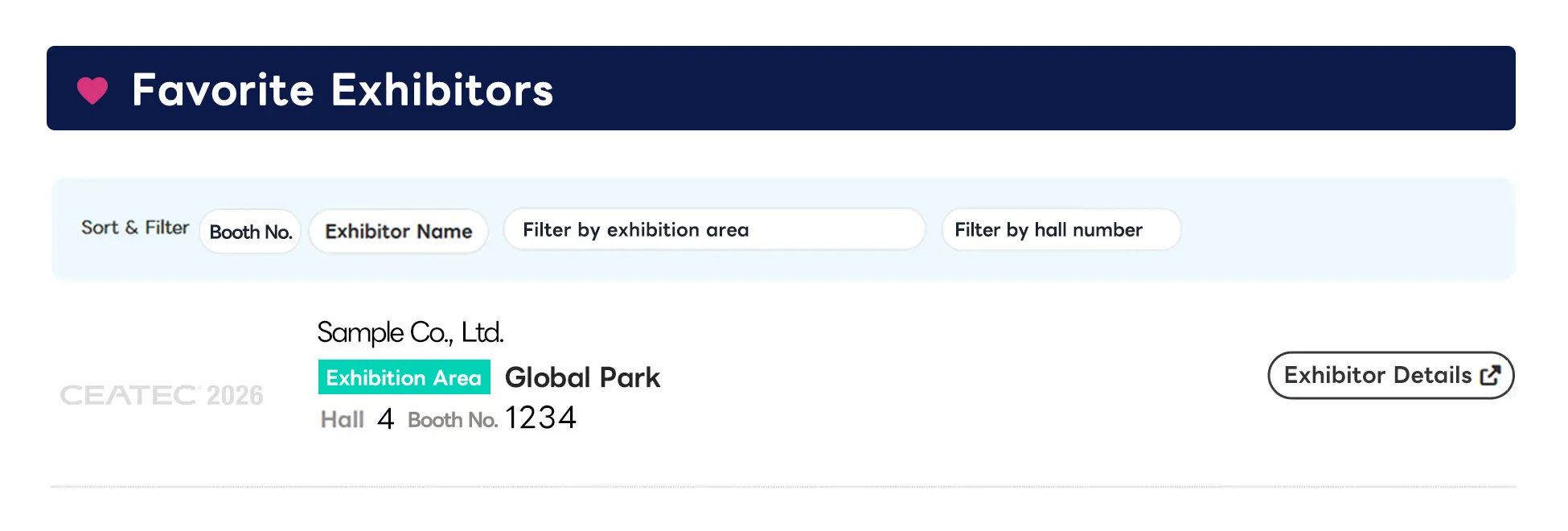
Just press the Add to Favorites button (the heart icon) on an exhibitor's detail page. The exhibitor is saved automatically under Favorite Exhibitors on My Page.
Your favorite exhibitors are listed together with booth number, exhibition area, and hall number, and the list can be sorted and filtered, which helps when you are mapping out a route around the venue. My Page is accessible from your smartphone as well, so you can keep using the same list on the day.
For more about what My Page can do, see the My Page Feature Guide.
How to Use 02
Get in touch with exhibitors before the show
Meeting reservations and inquiry forms let you reach exhibitors before you arrive. Arranging a time in advance means you can put the limited hours of the show to better use.
MEETING RESERVATION
Meeting Reservations
Secure your meetings at Makuhari Messe in advance
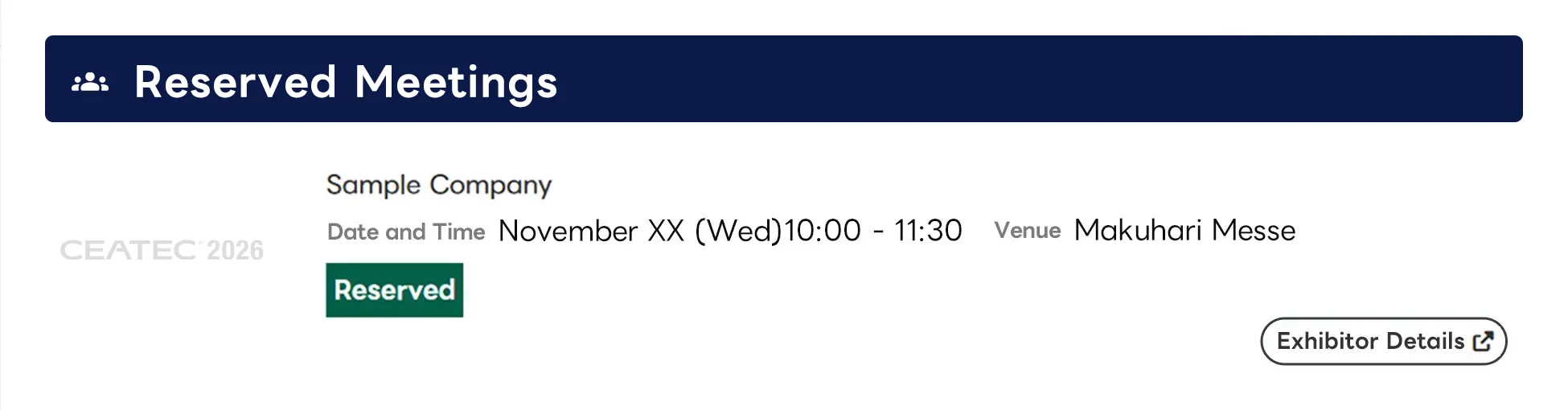
Choose a date and time from the reservation slots each exhibitor has made available and submit your request. Once the reservation is confirmed, the exhibitor will send confirmation to your registered email address.
On the day, please come to the exhibitor's booth by your reserved time. Reserving ahead is the surest way to secure the meeting opportunity you want.
* Some exhibitors do not accept meeting reservations.
CONTACT
Inquiries
Clear up your questions before you meet
Use the inquiry form on an exhibitor page to ask the exhibitor directly about products, technologies, or the content of their exhibit.
Replies are sent to your registered email address. It is a useful way to gather information and settle any questions before your visit.
How to Use 03
Review products, videos, and documents together
Exhibitor pages bring together detailed product information, presentation and demo videos, and reference documents. Getting to know the products and solutions that interest you beforehand makes it easier to decide which booths to visit and how to plan your meetings. At the venue, you can move straight to specific questions and a real exchange of information, so you get more out of the show.
PRODUCTS & SERVICES
Exhibited Products and Services
Check the details of each product
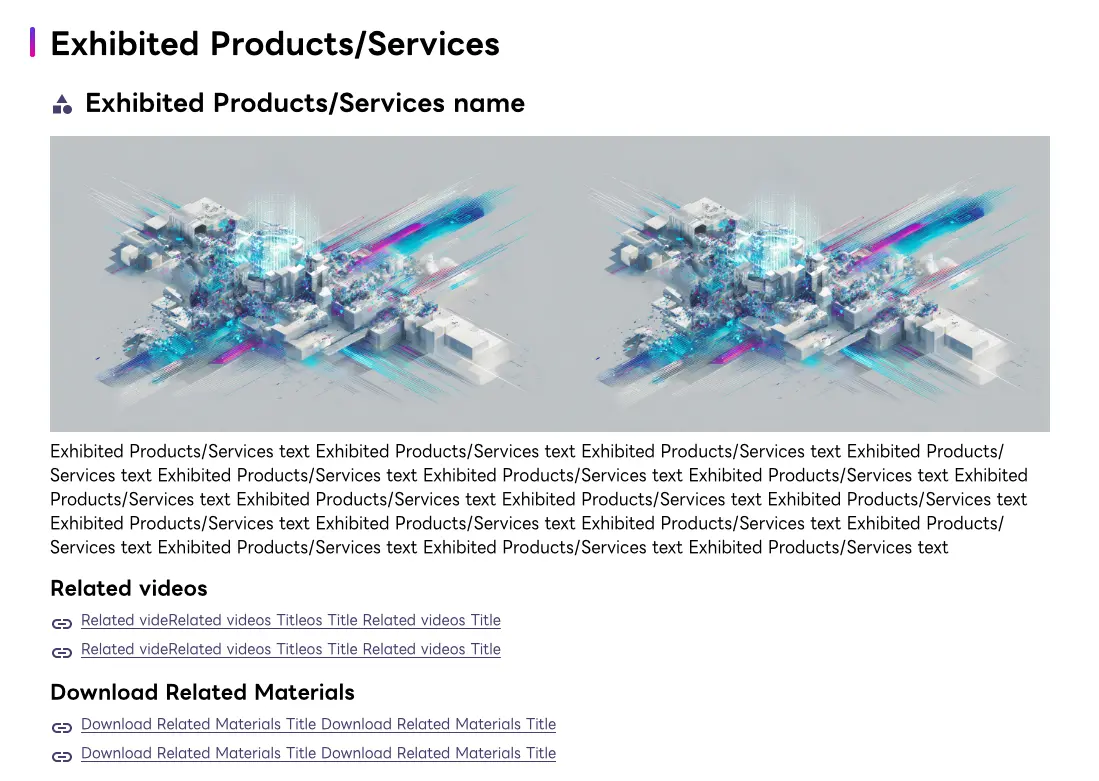
Every product and service is presented with images, descriptions, related videos, and related documents in one place.
From the Products and Services section of an exhibitor page, you can reach the related videos and documents in a single click.
MOVIE & DOCUMENTS
Presentation and Demo Videos / Document Downloads
From preparing before the show to reviewing afterwards
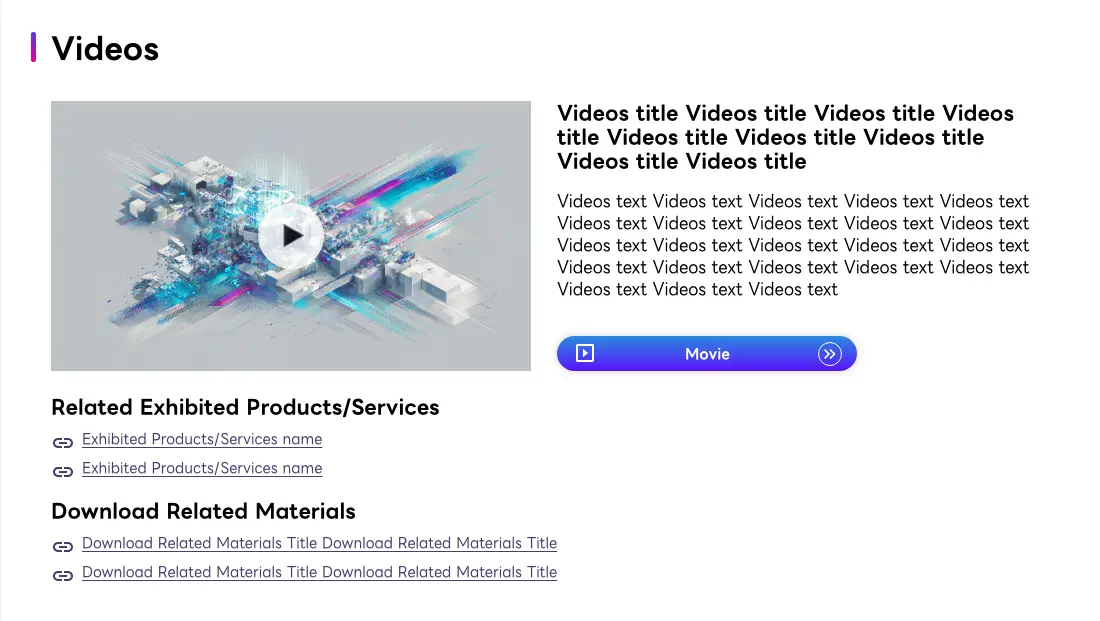
Presentation and demo videos give you an overview of a product or service in advance, and documents can be downloaded as PDFs when you want the full detail.
Use them to gather information and shortlist the booths to visit before you come, and to review what you saw or share it within your team once the show is over.
EVENT
Event Information
Check each booth's schedule in advance
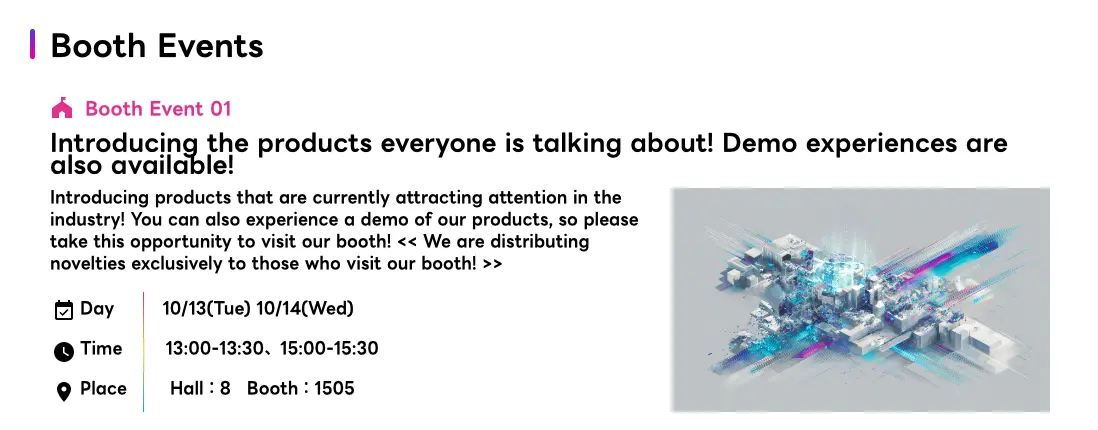
See the events taking place inside each booth, including new product introductions, hands-on demos, and giveaways, along with the dates and times.
Note the times of the events you want to catch and work them into your route for the day.