

Discover Technologies That Will Change the World.
Experience Four Days of the Future.
Whether this is your first visit or your first time in a while, this guide will help you make the most of CEATEC, from preparation and your visit to post-event follow-up.
- DATE

- October 13 (Tue) – 16 (Fri), 2026
- 10:00–17:00
- ADMISSION

- Free
- Pre-registration required for all visitors
- CO-LOCATED


- Makuhari Messe, Halls 2–3*Admission with your CEATEC 2026 badge


WHAT IS CEATEC
What Is CEATEC
CEATEC is a comprehensive digital innovation exhibition, bringing together companies and organizations from across industry boundaries.
Under the banner of “Innovation for all,” it works toward solving social issues and driving economic growth at the same time.
The 2026 theme is “Transformation - Where Companies, Industries, and Society Evolve -” and the show gathers the latest technologies and services in AI, mobility, startups, sustainability, and other fields that will support and transform the society of the future.
-
01

Industries Meet Here
Exhibitors reach well beyond electronics and IT, extending to mobility, materials, finance, and local government. A technology or concept you had no prior connection to turns out to answer the problem in front of you — CEATEC is full of encounters like that.
-
02

Ideas Shown Early
Alongside products already on the market, you will find technologies still in trial and research results not yet commercialized — proposals aimed at the society of several years from now.
-
03

Partners Worth Finding
This is where conversations with customers, partners, and investors begin. Startups, universities, and research institutions take part in large numbers.
BEFORE YOU VISIT
Before You Visit
This section explains the steps you need to complete before visiting CEATEC.
Pre-registration is required, and once registered, you can use My Page to organize exhibitor and session information before your visit.
-
Pre-Registration
Enter your name, affiliation, and email address on the Visitor Pre-Registration Site to complete your registration and create your My Page. A single registration admits you on all four days.
What You Can Do on My Page
Edit Your Profile
Update the name, contact details, and affiliation you entered at registration.
-
Check the Exhibitors
Use the heart icon on any exhibitor detail page to add that exhibitor to your favorites. My Page lets you sort your list by booth or hall number, which helps you plan how to spend the day. Viewing exhibitor detail pages requires you to be logged in.
What You Can Do on My Page
Favorite Exhibitors
Sort the exhibitors you have saved by booth or hall number.
Meeting Reservations
Where an exhibitor accepts meeting requests on their detail page, you can book one directly.
-
Session Reservations
This is a separate step from visitor registration. Choose the sessions you want to attend from My Page and reserve your seat. Attending without a reservation is possible only if seats remain once reserved attendees have been seated.
What You Can Do on My Page
Manage Session Reservations
Review the sessions you have reserved, and cancel them if your plans change.
-
Entering CEATEC
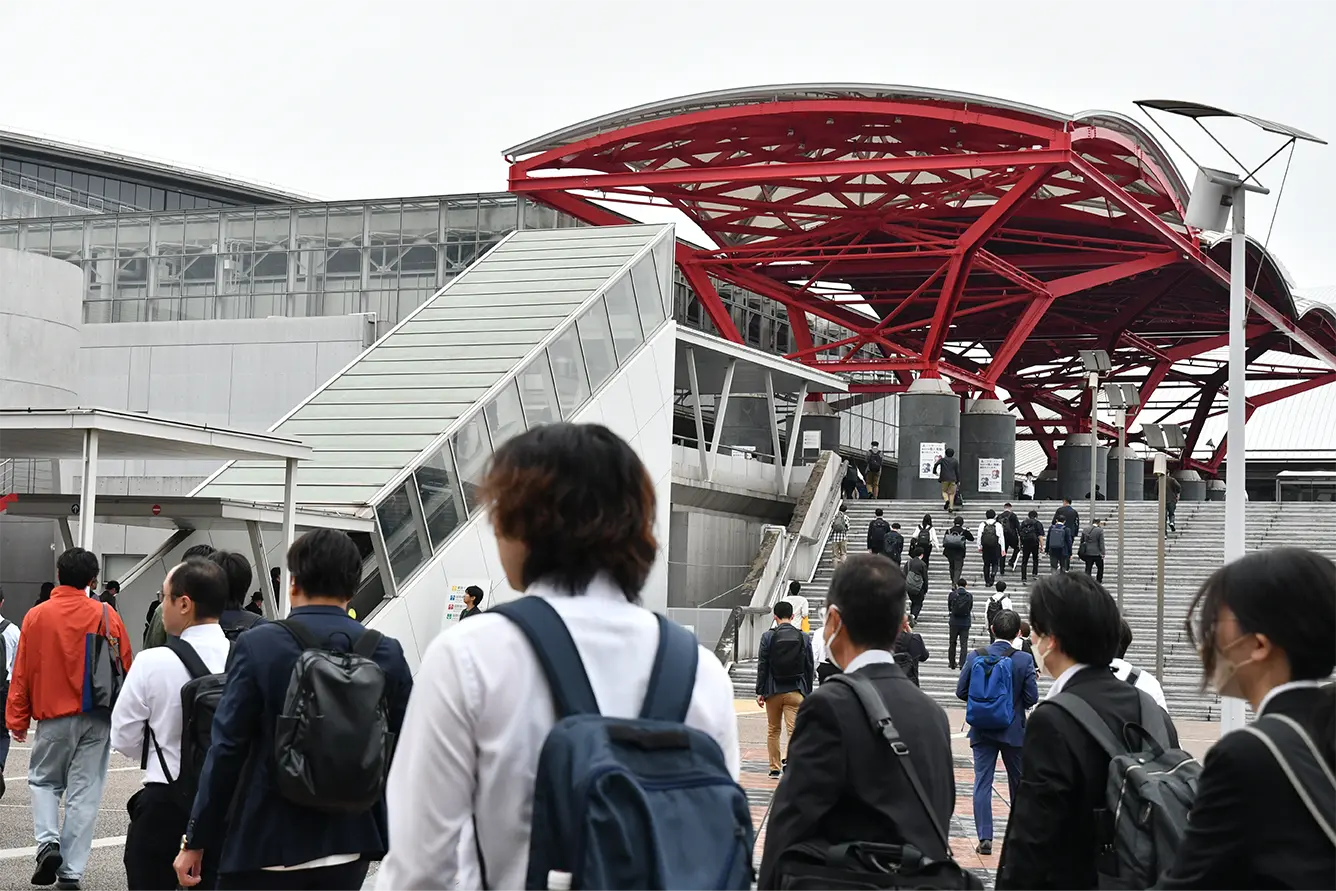
There are two ways to get your Admission Pass. Print it at home or at the office and bring it with you, or have it issued at a pickup counter on site. Either way, use the QR code shown on My Page or included in your registration confirmation email. Your Admission Pass is valid for all four days of the show.
GETTING AROUND
Getting Around
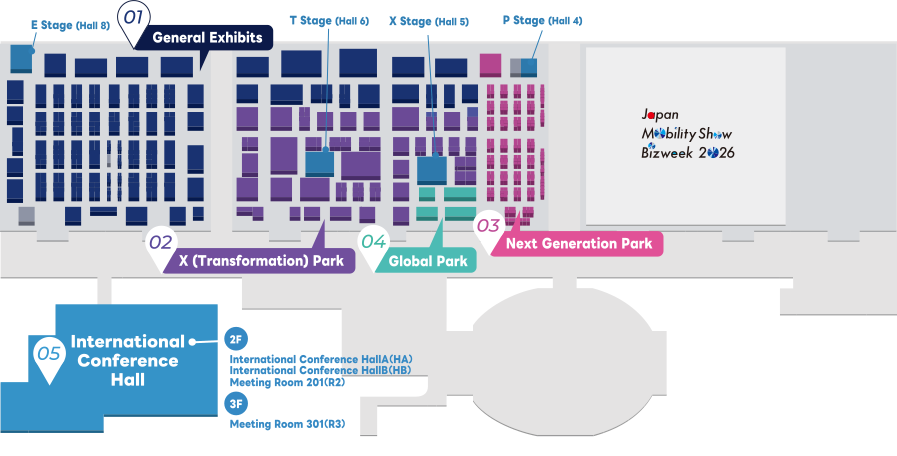
The exhibition is organized into four areas, while the Conference takes place at the International Conference Hall.
Explore the exhibition areas and organizer programs to experience the latest technologies and services.
-
General Exhibits
Hall4–8
The core exhibition area of CEATEC, where cutting-edge technologies and a wide variety of solutions come together.
View details -
X (Transformation) Park
Hall4–6
Experience advanced technologies, challenges to social issues, and the transformation of industry and society.
View details -
Next Generation Park
Hall4
An area where startups, universities and research institutions present the technologies and research that will shape the future.
View details -
Global Park
Hall4–5
An area to encounter advanced technologies and innovations from countries and regions around the world, and to find new business.
View details -
Conference
Int’l Conference Hall
Visions for the future, branding, and opportunities to find partners for co-creation, delivered by a wide range of speakers.
View details
Stages in the Exhibition Areas
- E StageHall 8
- T StageHall 6
- X StageHall 5
- P StageHall 4
- Session List
Sessions take place on four stages within the exhibition halls as well as at the International Conference Hall. Whether a reservation is required varies by stage.
How to Spend the Day
-

Where Things Take Place
Exhibits are in Halls 4–8 at Makuhari Messe; the Conference is at the International Conference Hall. The two buildings are some distance apart, so allow time to move between them.
-

Attending Conference Sessions
Sessions are reservation-based. You may be admitted on the day if seats remain once reserved attendees are seated, but reserving in advance is the only way to be certain of a seat. (Some sessions require no reservation.)
-

Online Sessions
A separate program of online-only sessions runs alongside the show, available from September 15 (Tue) to October 30 (Fri), 2026. You can watch on the days you cannot make it to the venue.
ON THE DAY
On the Day
The venue is large and involves a lot of walking. Here is what is worth knowing to make the day a comfortable one.
-
What to Wear and Bring
- Comfortable walking shoes are strongly recommended
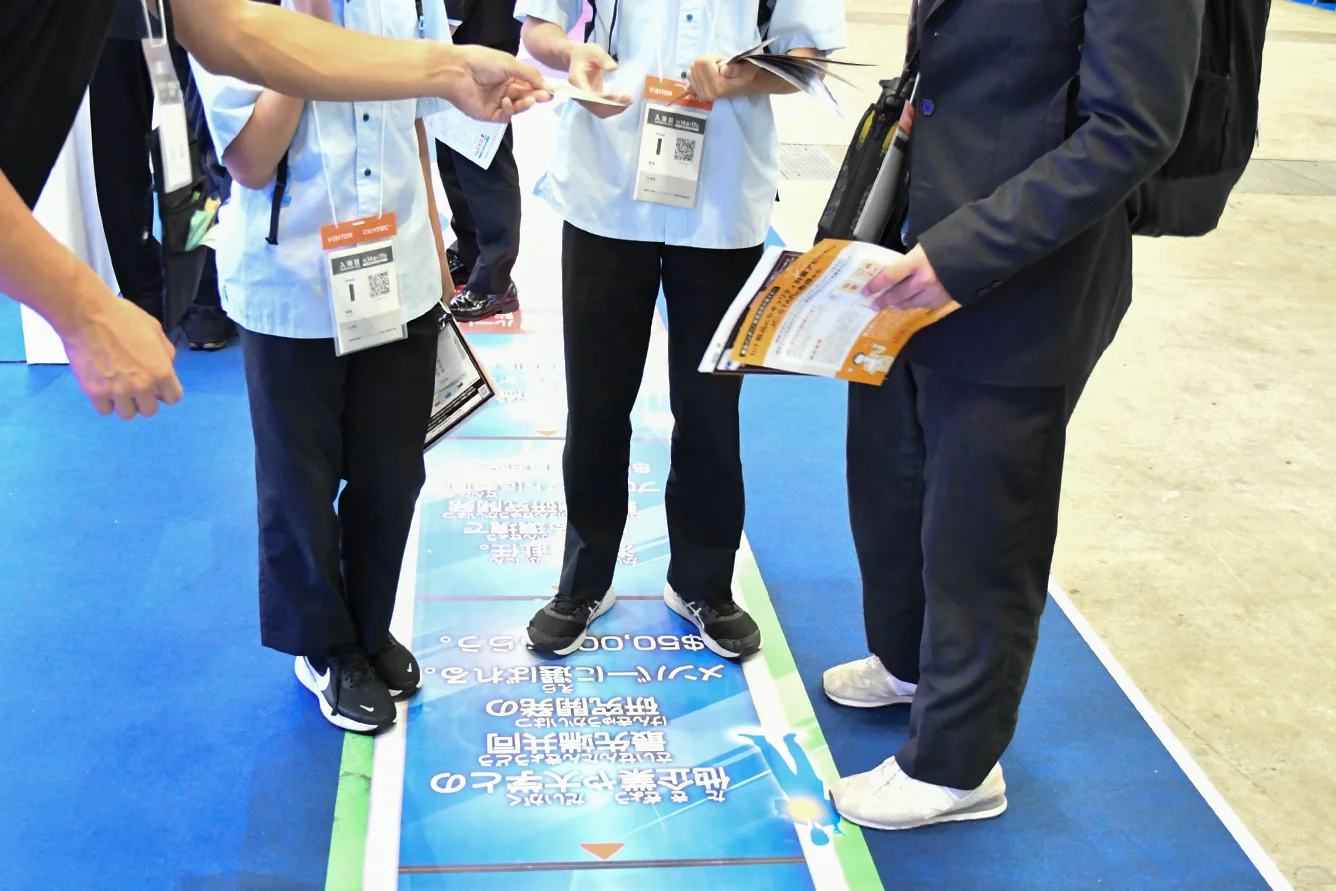
- A device that can display your entry QR code
- Business cards, for exchanges with exhibitors
- A portable charger
-
Photography
- Photography is generally permitted throughout the venue
- Individual exhibitors may restrict photography at their booths
- Please take care not to capture other visitors in your shots
- Contact the show office regarding tripods and similar equipment

-
Venue Services
- Wi-Fi
- Dining areas and rest spaces
- Nursing room and accessible restrooms
- Participating shops offering visitor benefits

AFTER THE SHOW
After the Show
What you find at the venue stays available to you once the show closes.
-

Online Sessions
Available from September 15 (Tue) to October 30 (Fri), 2026, including after the show has closed.
View Online Sessions -

My Page
The sessions you reserved and the exhibitors you saved remain available after your visit.*Access closes on October 30 (Fri), 2026.
Go to My Page -

Exhibitor Information
Revisit what each company showed through the Exhibitor List, and use it to follow up after the show.*Access closes on October 30 (Fri), 2026.
View the Exhibitor List
FAQ & CONTACT
FAQ & Contact
- Can I enter on the day without pre-registering?
- On-site registration is available at the venue, but the counters are expected to be crowded, so we recommend pre-registering.
- What are the opening hours?
- CEATEC 2026 runs for four days, October 13 (Tue) to October 16 (Fri), 10:00–17:00 each day.
- What time does admission start?
- The registration counters open at 9:30, and admission to the exhibition halls begins at 10:00.
- Can I re-enter?
- With your Admission Pass, you can re-enter as many times as you like throughout the show.
- Can I also enter Japan Mobility Show Bizweek 2026?
- The Admission Pass issued when you pre-register for CEATEC 2026 also admits you to Japan Mobility Show Bizweek 2026. No separate registration is required.
- What if the session I want to attend is full?
- Each session also accepts applications on the day. Please come directly to the session venue.
If anything about registration or getting in is unclear, start here.
Pre-Registration Is Required
Registration is free, takes about five minutes, and issues the QR code you will use to get in.
Complete Pre-Registration